
 The kids are officially back to school!
This year Laina started Kindergarten. She was psyched. The first day of school she excitedly ran onto the bus and into her class. I stood there choking back tears. My BABY!
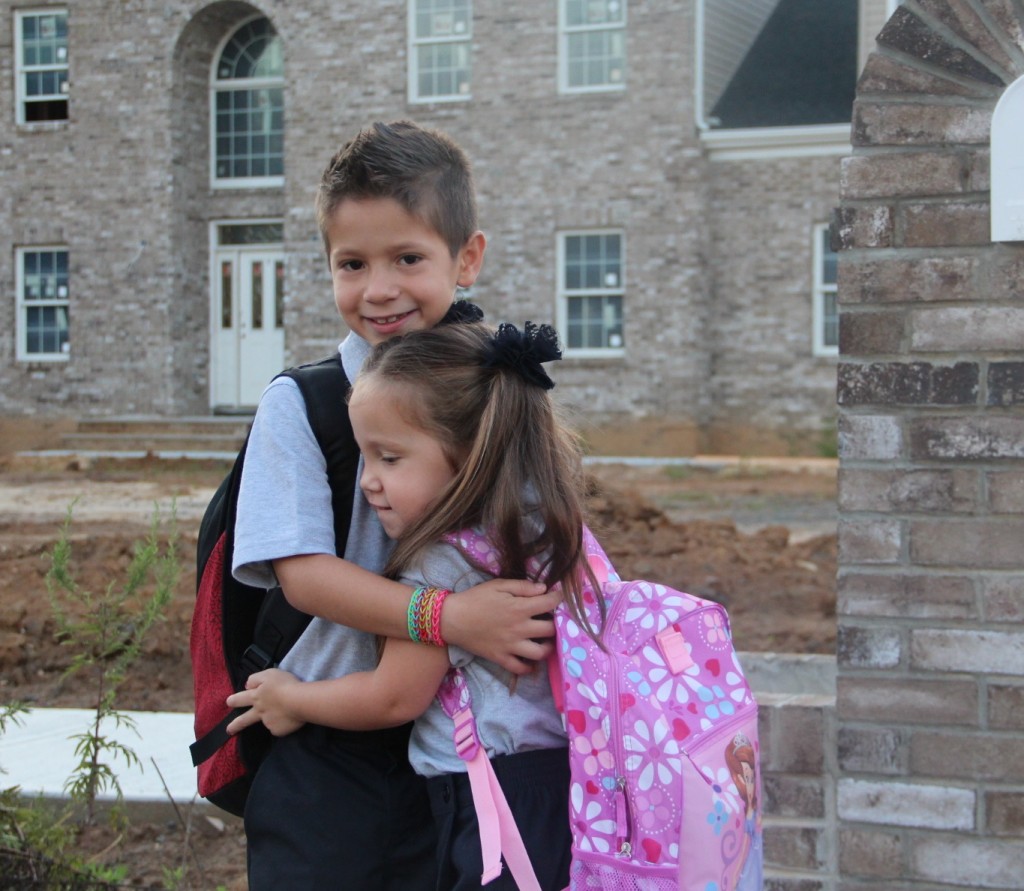
The beginning of the school year is always busy and a little chaotic. I can’t lie, being the first year of balancing two in grammar school, its been a little more overwhelming than usual.
Two classes, two teachers, two sets of homework and tests… oh, my!
We will be partnering with HP for a series of 3 fun Back-To-School Challenges, that I hope will also help you with your school year routines. These posts will be featured on Thursday over the next two weeks.
So let’s check off that first one, shall we?
HP Back To School Challenge #1 – STAY ORGANIZED.
If I have one organizing tip to share – and if we’re being honest, I’m not all that organized so I don’t have many… but the one tip I do have– it is to ALWAYS have a great printer ready to save the day.
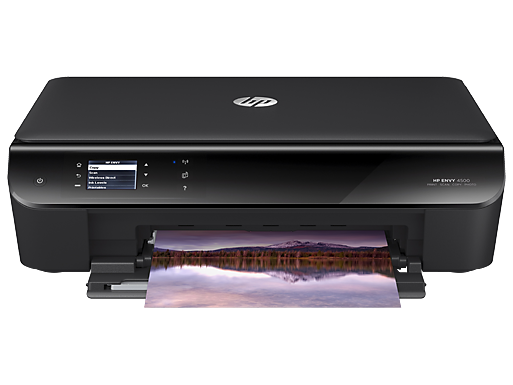
This year we are using our new HP ENVY 4500 e-All-in-One printer. What I love most about this particular printer is that it is a WiFi printer and you can print from virtually anywhere. So if I am in the middle of something, or on the go and want to send something from the printer from my phone, I can. For my scattered brain, being able to print from my phone has been a great way of ensuring I don’t forget to print or fill out necessary forms.
Create a Master Folders With All Forms & Lists
Even in this digital age, there is a lot of paperwork involved in school. Coming up with a way to keep it all organized from the start of the school year is a MUST.
Our school always has the forms and lists we need at the beginning of the school year online.
To keep ourselves organized, we print supply lists, sports forms, PTA forms, lunch calendars, etc. and keep them in a master folder. Since this year we have 2 class needs to manage, we have two master folders. You can either let get folders of each child’s favorite characters or get plain ones with each child’s name clearly labeled on it.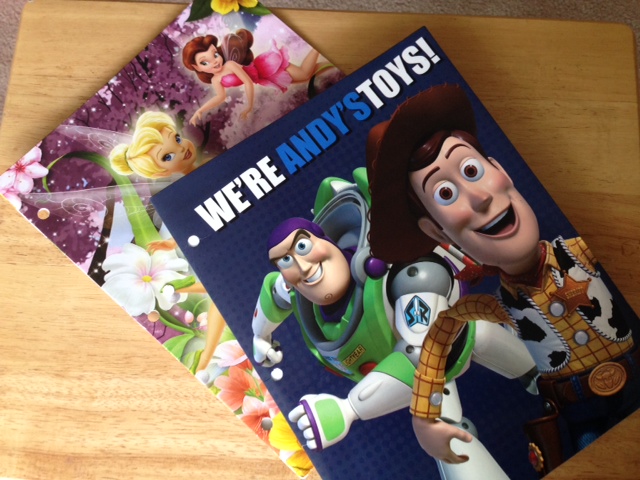
On the left side of the folder I place all printed forms, and on the other I will add various study guides and project instructions through out the year.
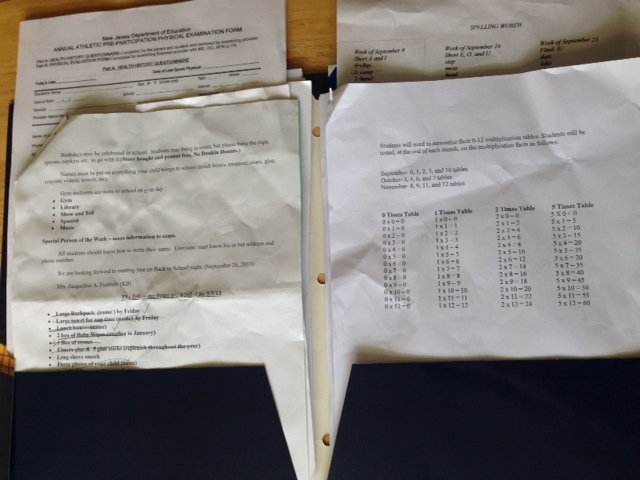
These folders never leave home! We keep these folders near the kitchen so that they can easily be accessed at homework time as well as in the morning when I may need to double check lunch or something.
It’s a simple trick- but it works. Try it!
____________________________________________________________________
Next week’s challenge– Be Crafty! + Get the deets on how you can win an HP ENVY 4500 e-All-In-One Printer of your own!
Sponsored Post Disclosure: Complicated Mama has partnered with HP for this 3 part sponsored post series. An HP Pavilion TouchSmart 11 and an HP ENVY 4500 e-All-in-One printer was provided by HP as part of my participation.
